What is Fluvial?
For: all users
Fluvial is a web-based document control application for construction industry professionals — engineering consultants, architects, and site teams who manage drawings, specifications, reports, and other controlled documents across a project's lifecycle.
Instead of juggling a shared drive, an email trail, and a revision spreadsheet, your whole team works from one live register per project, and every formal issue of documents happens through a transmittal with a permanent record of exactly what was sent, to whom, and when.
The core loop
Everything in Fluvial revolves around one workflow:
- Upload documents into a draft transmittal. Fluvial reads each drawing's title block and pre-fills the document number, name, and revision for you to confirm.
- Approve. The approval roles your account requires (drafter, designer, manager) sign off on the transmittal.
- Issue. Fluvial generates a transmittal PDF, emails each recipient a secure link, and recipients download the documents from a public portal — no account needed on their side.
- Trace. The issued transmittal becomes a permanent, unchangeable record, and the access history shows who downloaded what.
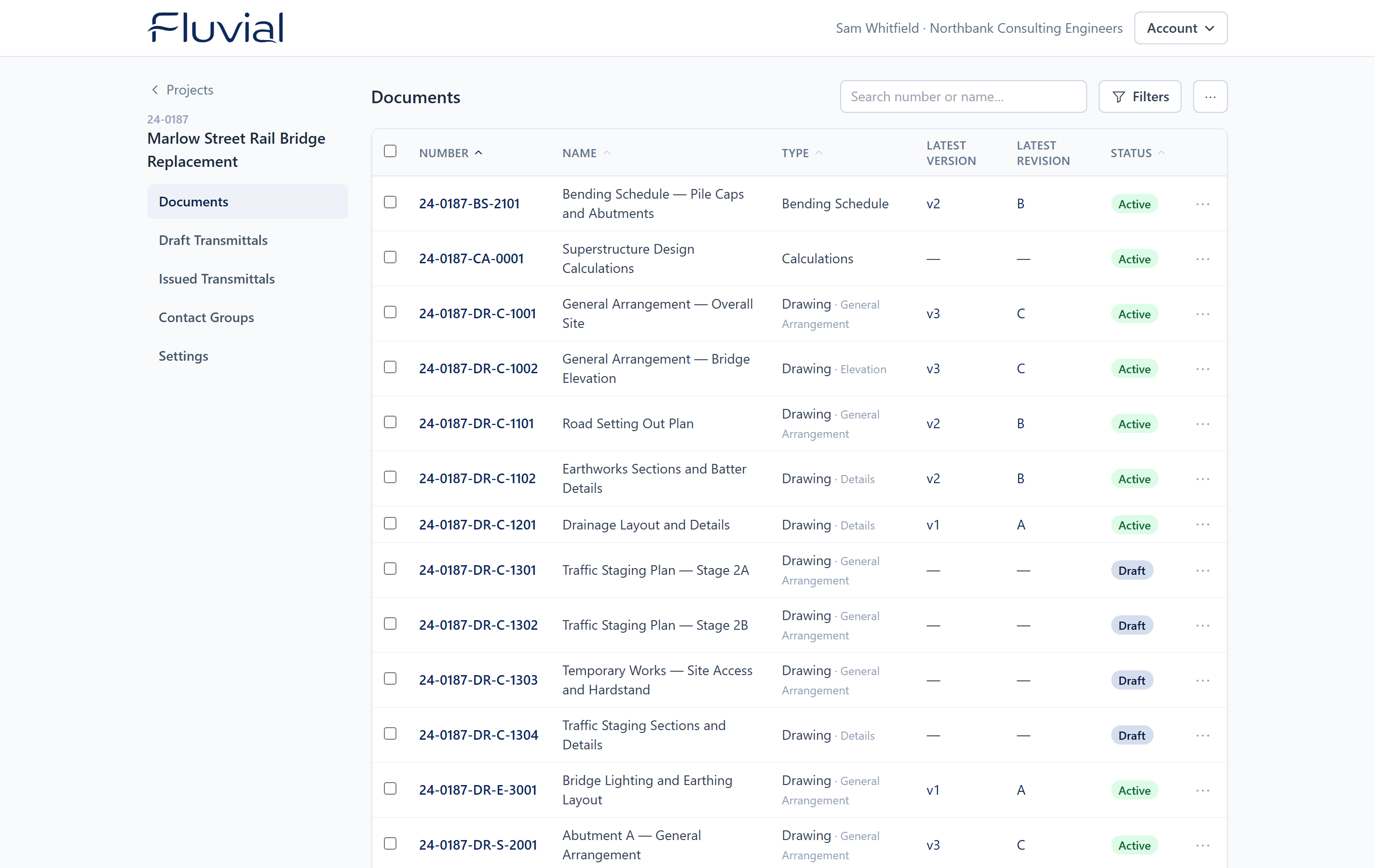 The document register — one authoritative list of controlled documents per project.
Who does what
| You are a… | You'll mostly… | Start with |
|---|---|---|
| Document controller | Manage revisions, transmittals, and process | Core concepts, then the Documents and Transmittals guides |
| Engineer / designer / project manager | Upload, find, approve, and issue documents | Your first transmittal |
| Administrator | Set up users, approvals, logo, billing | Account settings |
| External recipient | Download documents you've been issued | You've received a transmittal |
There are only two account roles — admin and member — plus per-user approval roles. Every user in an account sees every project, and there's no per-user charge, so bring the whole team.