Add native (CAD) files
For: document controllers, engineers, designers
Goal: attach the editable source file (e.g. a CAD file) to a document version, alongside the issued PDF.
Many issues need two artefacts: the controlled PDF, and the native file. In Fluvial each version can carry one native file next to its PDF, and the portal offers recipients both.
Prerequisites
- A draft transmittal with its PDF versions already uploaded and confirmed — native matching works best after the PDFs are in.
Add native files in bulk
- On the draft transmittal, select Add native files from the three-dot (...) menu.
- Drag in the native files. Fluvial matches each file to a version on the transmittal by filename.
- Review the matches, fix any the matcher didn't identify, and upload. If a version already has a native file, the dialog warns you before replacing it.
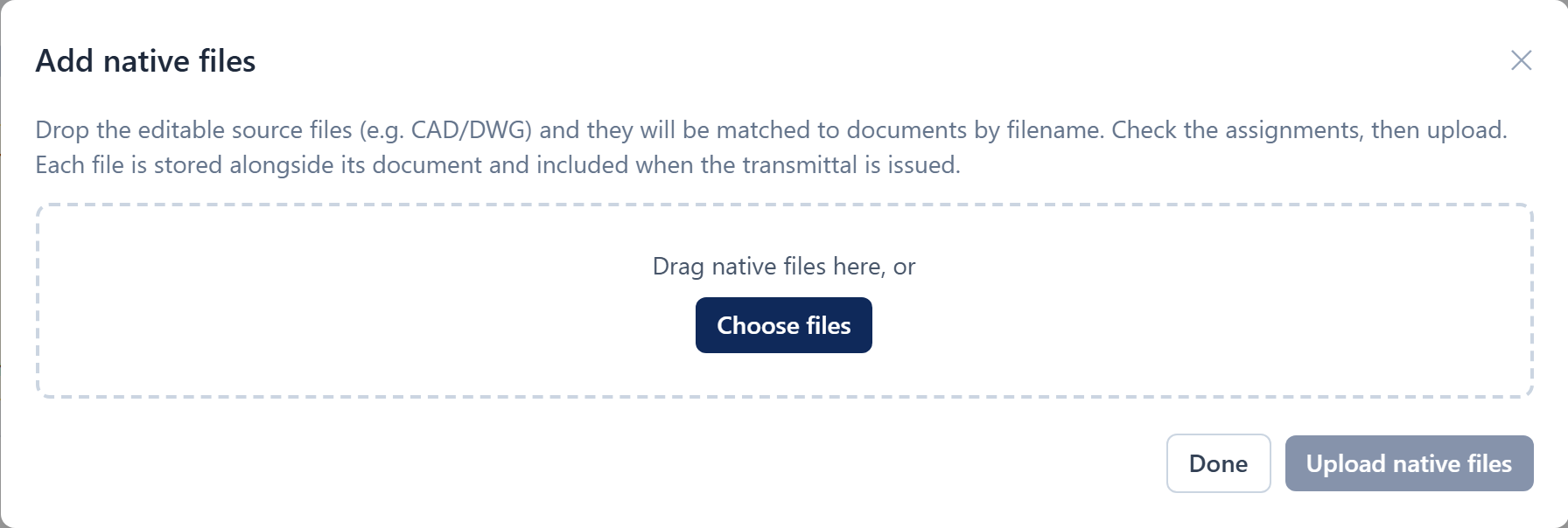 Native files are matched to versions by filename — review before uploading.
Add or manage a single native file
On a version's own page you can upload a native file, download it, replace it, or remove it.
Result
The version carries its native file. On the portal, recipients see a Native column and can download the source file next to the PDF.
Name native files to match
Exporting natives with the same base filename as the PDFs (S-201_C.dwg /
S-201_C.pdf) makes the bulk matcher do all the work.